
QuickBooks Online
Native two-way sync: push invoices to QuickBooks in one click (or automatically on send), map clients to customers without duplicates, and see payments reconcile in both directions, a payment recorded in QuickBooks marks the invoice paid here. CSV export remains for one-off imports.
Learn more
Calendar Feed (iCal)
Subscribe to your TimeQuorum schedule from Google Calendar, Outlook, or Apple Calendar with a secure feed URL.
Learn more
Stripe
Let clients pay invoices online by card, straight from the invoice email. Payments are recorded automatically.
Learn more
PayPal
Add a "Pay with PayPal" button to the same pay link. Clients pay from their PayPal balance, bank, or card on PayPal's hosted page; the invoice reconciles itself. Works alongside Stripe or on its own.
Learn moreSee them in action
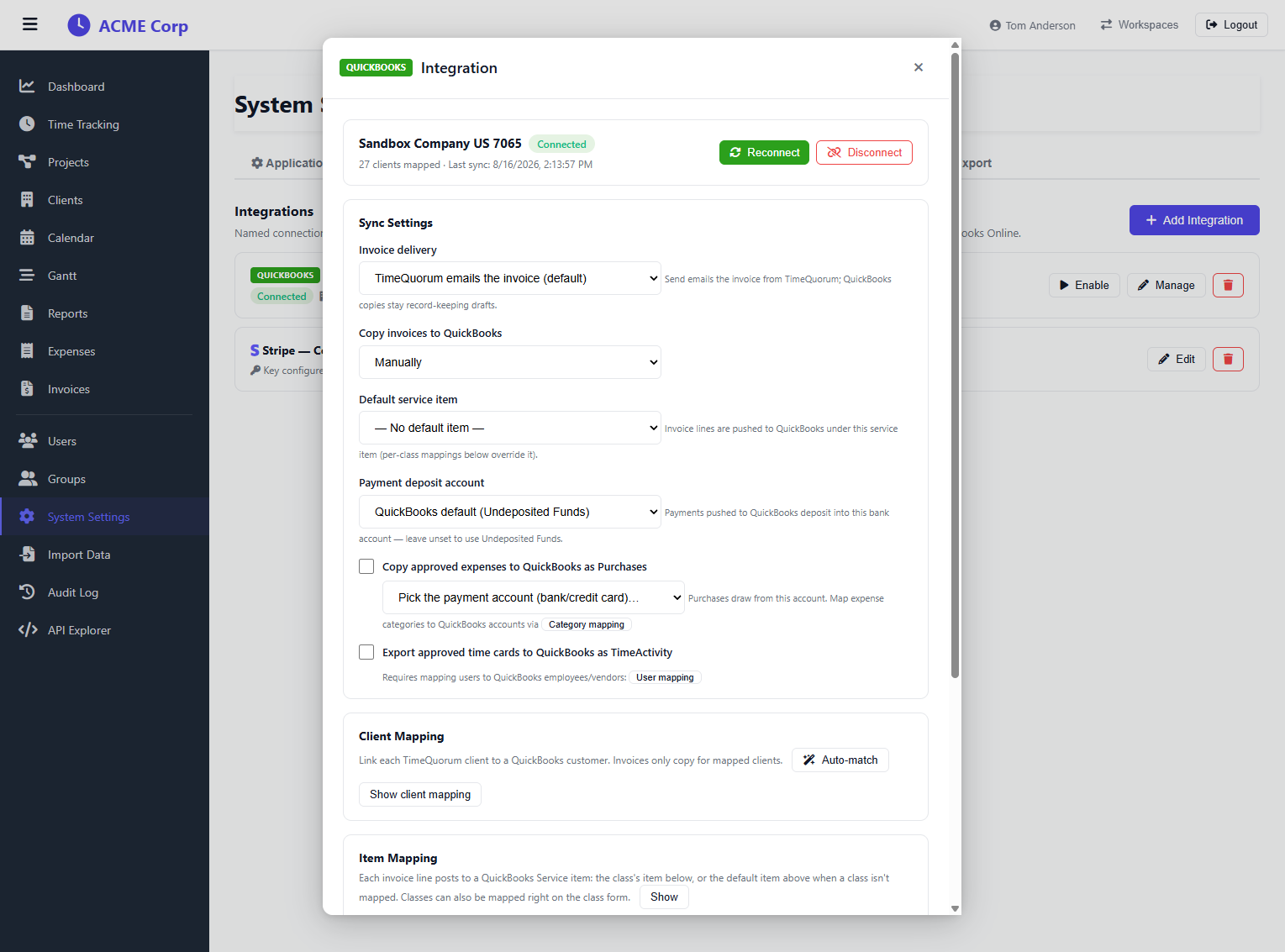
QuickBooks Online sync is configured per connection, who emails the invoice, which account payments deposit into, and how clients, items, and projects map.
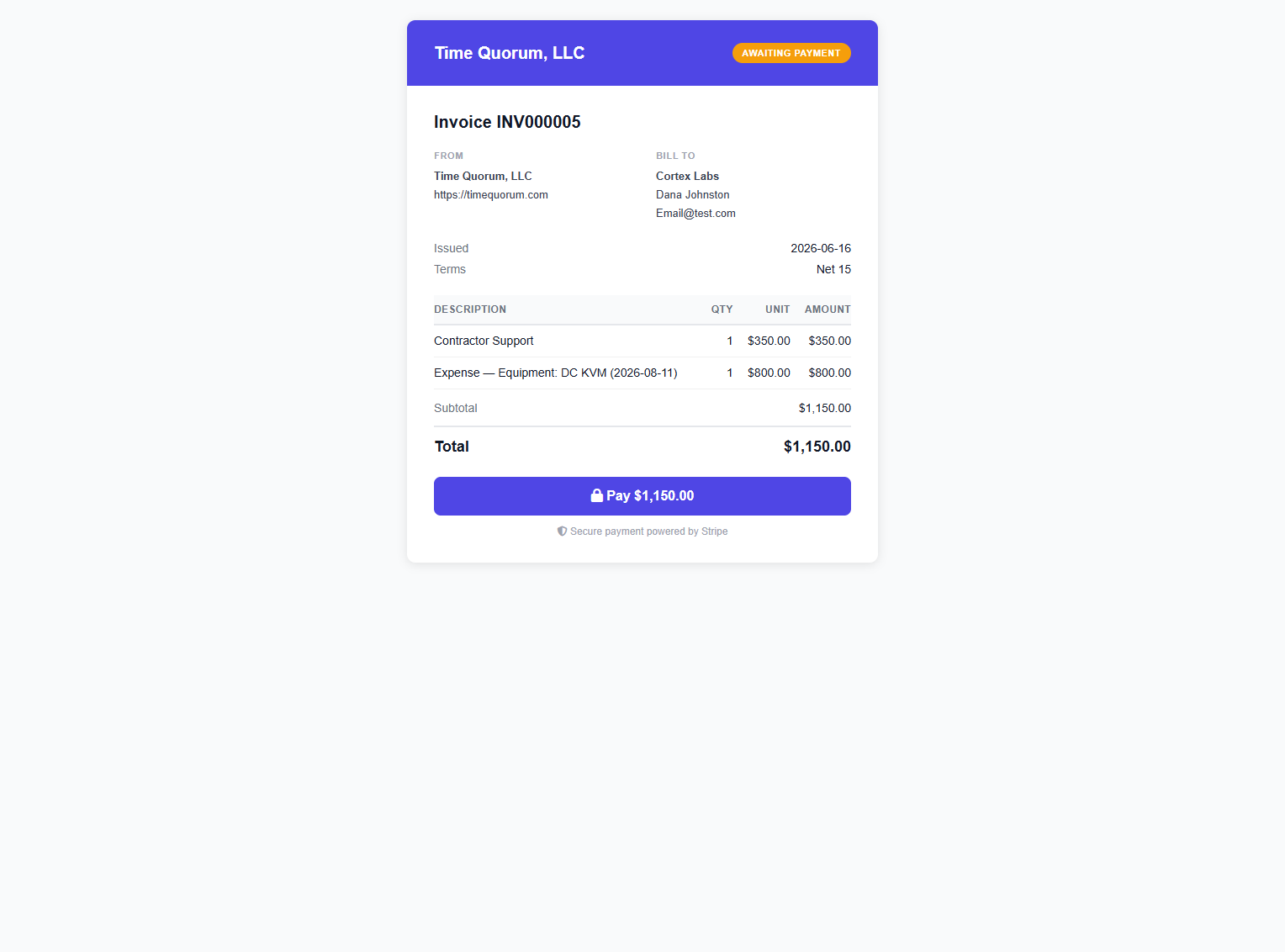
With Stripe or PayPal connected, clients pay invoices on a secure hosted page, the payment records itself and the invoice flips to Paid.
Don't see the integration you need? Tell us what to build next.